Build Staff Training

Assembly Videos

Work through them in order. Open a video's chapters to jump straight to the step you're on at the bench.

1

Soldering Fundamentals

2 videos

Start here. Solder-Practice Rev B board, 176 joints, before any production board.

7:32
Part 1

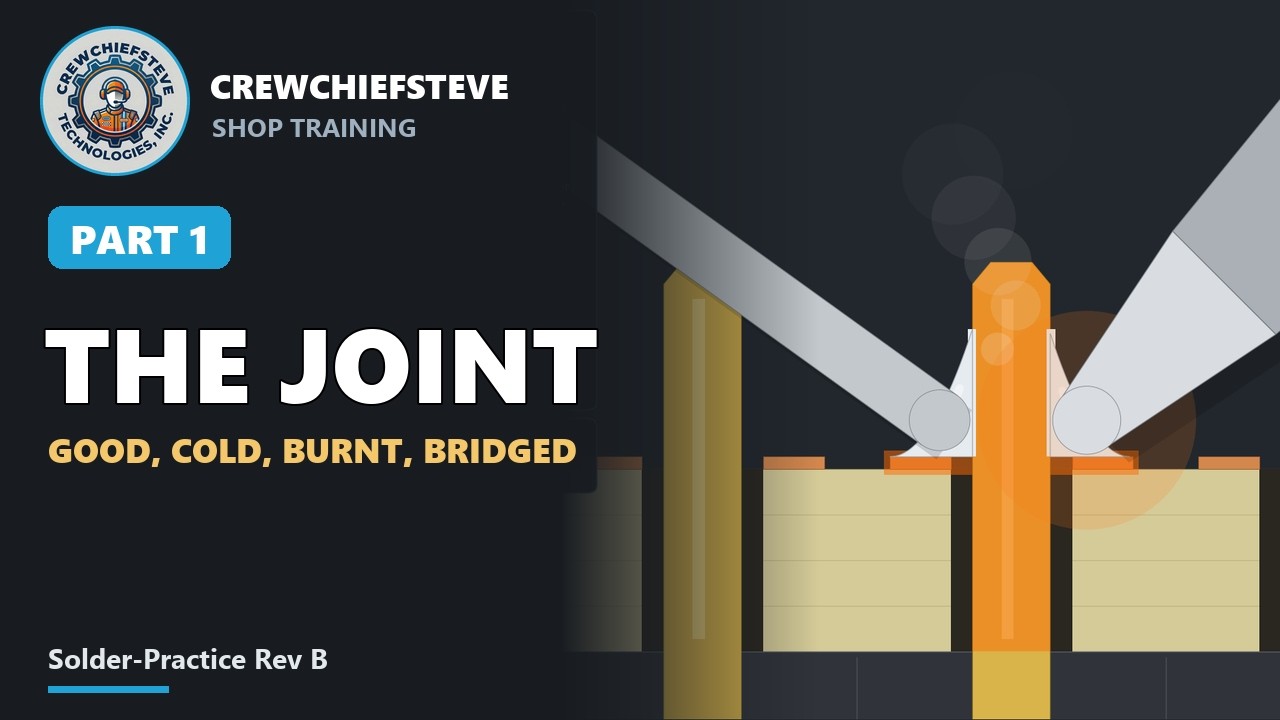
Soldering Header Pins, Part 1: How a Solder Joint Works (and Goes Wrong)

How a through-hole solder joint works, and how it goes wrong. Part 1 of the soldering lesson on the Solder-Practice Rev B board (8 rows of 22 header pads, 176 joints), before the RaceScale pads.

Bench notes
  • The joint is shown cut in half, with a pin and pad temperature gauge and an "iron on the joint" timer. Covers the five-step rhythm, six common mistakes with their fixes, and a good-or-bad quiz.
  • Solder: 63/37 tin-lead, rosin core, 0.5 mm. Iron at 330 °C. Temperatures and times on screen are illustrative.
Chapters (13)
  1. 0:00Intro
  2. 0:18The goal
  3. 0:31Tools and safety
  4. 0:59Clean and tin the tip
  5. 1:26How solder works
  6. 2:18The joint, step by step
  7. 2:58Practise the rhythm
  8. 3:46Mistake: solder on the iron
  9. 4:18Mistake: not enough heat
  10. 4:47Mistake: too much heat
  11. 5:21Too much, too little
  12. 5:50Bridges, bumps, spikes
  13. 6:28Good or bad?
6:56
Part 2

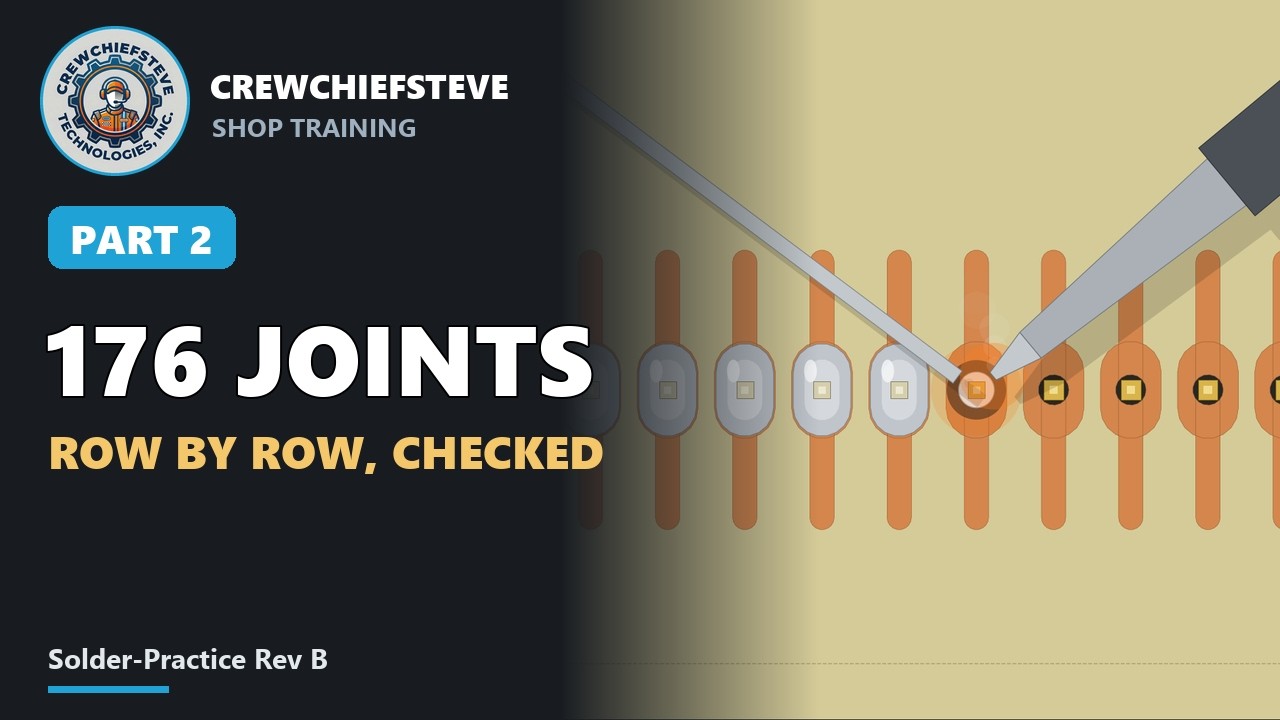
Soldering Header Pins, Part 2: The Practice Board, Row by Row

The Solder-Practice Rev B board, row by row. Part 2 of the soldering lesson.

Bench notes
  • Putting the header in from the bare side and levelling the board.
  • Tacking one end, checking it, then the other end, then the row.
  • Loupe inspection, then the two continuity tests on the probe stubs.
  • Fixing a cold joint and a bridge.
  • Rows 7 and 8 the way the RaceScale pad is built: female sockets on the ESP32 module, a card on top, flip, then the fit check.
  • Solder: 63/37 tin-lead, iron at 330 °C. Meter readings on screen are illustrative.
Chapters (9)
  1. 0:00The plan
  2. 0:16Header in, board level
  3. 0:43Tack both ends, check
  4. 1:13Solder the row
  5. 2:16Look, then the meter test
  6. 3:02Fix what failed
  7. 3:19Rows 2 to 6
  8. 5:29Rows 7 and 8: the real way
  9. 6:43Clean, bring it to me
2

CCS-PROT-1S Battery Pack

1 video

Single-cell Li-ion protection board used in the Track Pod and RaceScale pads.

3:22
Part 1

CCS-PROT-1S Battery Pack (Track Pod & RaceScale) – Part 1: SMD Assembly & Soldering Order

Assembling the CCS-PROT-1S, the single-cell Li-ion protection board for the battery pack in the Track Pod and RaceScale pads. Fine-pitch chips go on first while nothing is in the way; the 2 A fuse goes on last because it needs the most heat.

Bench notes
  • Every part gets the same four moves: tin one pad, place and tack, solder the rest, re-touch the tack.
  • Parts: U1 DW01A protection IC (SOT-23-6) · Q1 8205A dual N-MOSFET (SOT-23-6) · C1 100 nF (0805) · R1 100 Ω (0805) · R2 1 kΩ (0805) · F1 2 A PTC fuse (1812).
  • Tools: temperature-controlled iron, fine solder, flux pen, tweezers, loupe, isopropyl alcohol, multimeter.
  • Meter readings shown are examples; use the pass limits in the build package. No wires and no cell until the board passes the bench test in Part 2.
Chapters (13)
  1. 0:00Overview
  2. 0:13The assembly order
  3. 0:27Clean and flux the pads
  4. 0:39Tin one pad of every part
  5. 0:53U1 – DW01A: place, tack, solder, inspect
  6. 1:37Q1 – 8205A
  7. 2:01Inspect both chips
  8. 2:10C1 – 100 nF
  9. 2:20R1 – 100 Ω
  10. 2:29R2 – 1 kΩ
  11. 2:38F1 – 2 A PTC fuse
  12. 2:48Clean, inspect and unpowered meter check
  13. 3:12Next steps
3

RaceScale Pad

2 videos

The board inside every corner pad of the 4-corner race car scale.

6:17
Part 1

RaceScale Pad Build, Part 1: Assembling the Scale-Pad Board (ESP32-S3 + HX711 + BQ24074)

Assembling the board that goes inside every corner pad of the 4-corner race car scale, in build order: low, hidden parts first, modules last. Nothing gets power in this part.

Bench notes
  • Updated October 2026 for the current board: 124 × 80 mm, YD-ESP32-S3 devkit, green HX711 module and three ground stitch wires (S1–S3).
  • Board: RaceScale-Pad Rev A (laser-etched, single-sided). Runs from one 18650 cell through the CCS-PROT-1S protection board.
  • Modules: YD-ESP32-S3 devkit N16R8 (rows 1.0 in apart; the Espressif DevKitC-1 does not fit), green HX711, Adafruit BQ24074 (#4755), AP2112K-3.3 regulator.
  • Also: 0805 resistors and capacitors, one 100 µF 1210, female sockets (2 × 22, 11, 6 and 4), M2.5 nylon standoffs, 26–28 AWG insulated wire for the ground stitches.
Chapters (11)
  1. 0:00Intro and build order
  2. 0:31Clean the copper and lay the three ground stitch wires
  3. 1:08Solder and trim the stitches
  4. 1:25U1, the AP2112K regulator
  5. 1:51Eight small SMD parts
  6. 3:09Bare-board meter checks
  7. 3:36Sockets: devkit, charger, HX711
  8. 4:10Solder the socket rows
  9. 5:07THERM cut and module headers
  10. 5:48Standoffs, clean and inspect
  11. 6:08Board done
3:48
Part 2

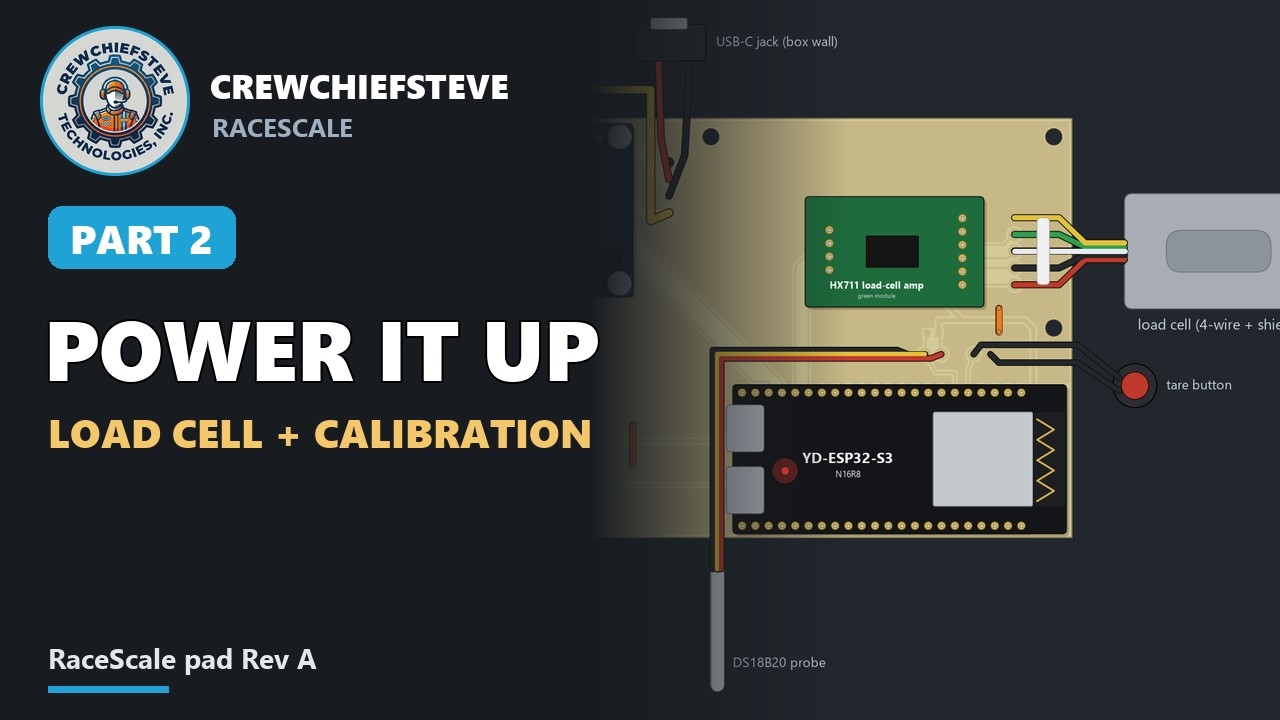
RaceScale Pad Build, Part 2: Power-Up, Load Cell and Bluetooth Calibration

Bringing the board to life one stage at a time, then wiring the load cell and calibrating the scale over Bluetooth. Every stage has a check; write the numbers down, they're the pad's baseline.

Bench notes
  • Bench supply 5.0 V, 300 mA limit, before any battery goes on.
  • Cut the charger's THERM jumper: the pack brings its own thermistor.
  • Flash the devkit out of the board from its COM port. Never plug the devkit's own USB in while it sits in a powered board.
  • Load cell: red E+, black E−, green A+, white A−, shield to SH (ground on the board).
  • Calibrate with a known weight of 25 lb or more; it should repeat within 0.1 %.
  • The devkit's antenna end goes at a plastic window, never inside metal.
  • Meter, supply, console and app readings shown are illustrative; the pass limits are the real ones.
Chapters (12)
  1. 0:00Intro
  2. 0:11Bench supply setup
  3. 0:25Stage 1: charger and 3.3 V regulator
  4. 0:47Stage 2: HX711, then the USB-C jack
  5. 1:05Stage 3: the 18650 pack
  6. 1:37Charging check
  7. 1:47Stage 4: flash the devkit
  8. 2:15Stage 5: load cell, temperature probe and tare button
  9. 2:45Stage 6: first readings in the app
  10. 3:02Stage 7: calibrate over Bluetooth
  11. 3:17Corner ID and into the box
  12. 3:39Done
4

Track Pod Carrier Rev B

1 video

Power and I/O deck of the Track Pod data acquisition carrier.

6:28
Part 1

Track Pod Carrier Rev B – Part 1: Deck A Assembly (Links, SMD, Sockets, Modules)

Step-by-step assembly of Deck A, the power and I/O board of the Track Pod carrier. The board is laser-etched and single-sided: parts go in from the top and solder on the copper underneath. Nothing gets power in this video.

Bench notes
  • Seven insulated wire links (L1–L7): lay all of them first, then solder all 14 ends in one pass.
  • Six SMD parts on the copper side: the battery divider (R7, R8, C7) and decoupling caps C1–C3.
  • Unpowered meter checks for shorts, the divider and the nets.
  • J9 ribbon header and the SD, charger and regulator sockets: tack one pin, check flat and square, then solder the rest.
  • Use the deck as a jig to fit headers on the new modules, and cut the BQ24074 THERM jumper.
  • BNO055 IMU soldered flat on standoffs. Part 2 covers Deck B and the ribbon; Part 3 the staged power-up.
Chapters (15)
  1. 0:00Intro
  2. 0:16The build order
  3. 0:31Board check and cleaning
  4. 0:43Wire links L1–L7
  5. 1:12Soldering and trimming the links
  6. 1:40SMD parts (copper side)
  7. 2:49Bare-board meter checks
  8. 3:20J9 and the sockets
  9. 3:32Tacking and soldering the sockets
  10. 4:33Module headers (deck as jig)
  11. 4:47Charger: cut THERM
  12. 5:23BNO055 IMU, soldered flat
  13. 5:57Standoffs
  14. 6:10Clean and inspect
  15. 6:20Done